


Roblox is not just a gaming platform. For millions of users, it is a space for self-expression where your avatar speaks more about you than any nickname. You can be an anime hero, a dark goth, a pastel kawaii doll, or a cyberpunk character from the distant future – all within a single platform. It is no surprise that styles in Roblox have become a separate culture: according to the platform’s own data, players make over 1.8 billion avatar item purchases per year, and the Dress to Impress game has gathered over 2.6 billion users. Fashion here is a serious business.
But if you are just diving into this topic, choosing your path among dozens of directions can be difficult. Let’s get down to business – what the types of Roblox styles are, how to find your own, how to create clothing in Roblox yourself, and what stands behind it from a design perspective.
Why the Style of Your Avatar Matters
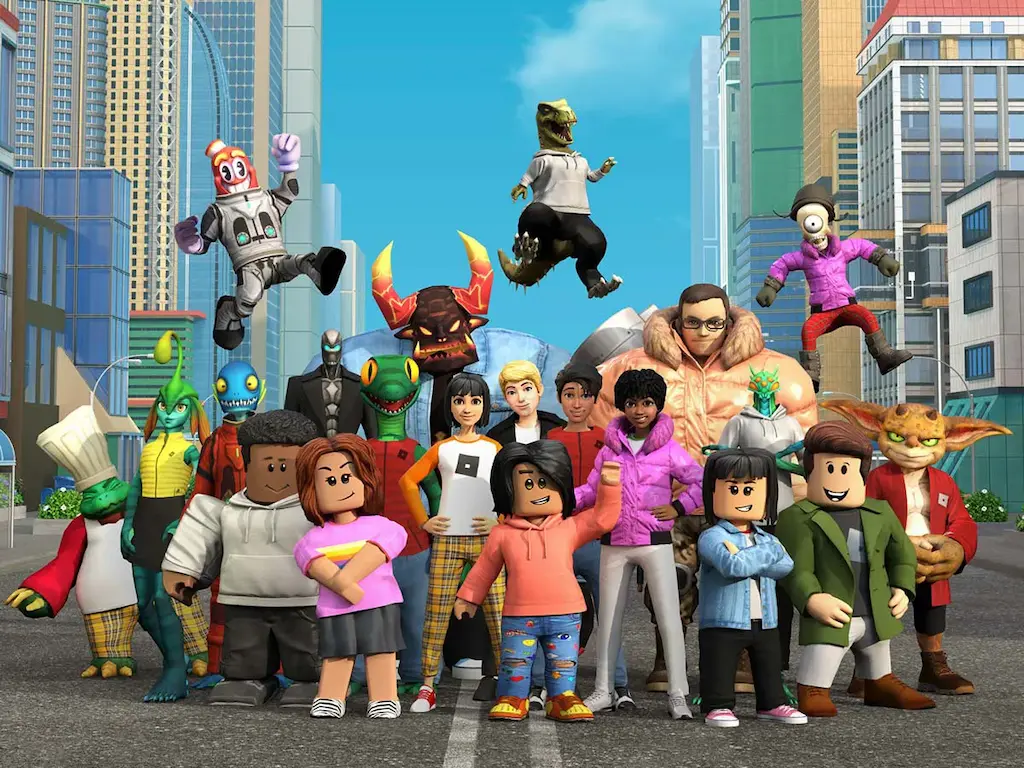
At first glance, an avatar might seem like a mere profile picture. However, it’s much more than that. An avatar’s visual identity in Roblox works exactly like art direction in a game studio – it communicates belonging to a specific community, sets the mood, and even affects how other players perceive you. The different types of Roblox avatars are not just about aesthetics; they are the languages spoken by different subcultures within the same platform.
Therefore, before choosing clothes, it is worth understanding what directions actually exist.
Popular Roblox Styles: An Overview of Trends
Aesthetics and Pastels: Aesthetic Roblox Avatars
This is one of the most popular and recognizable directions. The foundation consists of soft, muted colors: pink, lavender, mint, and cream. There are minimal accessories, neat hairstyles, and faces with simple expressions. It often overlaps with the “Bloxburg mom” style – simple pastel looks with almost no details. The Roblox aesthetic outfits look understated yet very intentional.
If you want to enter this aesthetic, search the Roblox catalog for words like “soft,” “pastel,” and “minimalist.” Combine a maximum of 2–3 colors and do not overload the image.
Kawaii and Cute: Cute Roblox Outfits
Here, everything is the opposite – more details, loud and cute accents, accessories with cats and bows, fluffy skirts, and animal ears. Kawaii in Roblox is inspired by Japanese pop culture and Korean fashion trends. Pink and white are the base colors, although brighter variations are also found.
It is easy to put together simple Roblox outfits in a kawaii spirit even with a small Robux budget: all you need is neat, solid-colored clothing and one or two accent accessories.
Streetwear and Hypebeasts
These are cool Roblox styles for those who follow real-world street fashion. Think oversized hoodies, baggy jeans, sneakers, and graphic prints. Popular looks in this direction often cosplay real brands like Adidas, Supreme, and Off-White. The Robloxian 2.0 package, popular among fans of hype culture, uses the Robloxian 2.0 package and maximum R15 scaling parameters – this provides a more proportional, “adult” silhouette.
Y2K Revival
One of the best Roblox styles of recent years is the return of the 2000s. Bright acid colors, bulky accessories, glitter, metallic textures, low waists, and characteristic prints define this look. The trend came from the real world and quickly took root in Roblox. It pairs well with animations and emotes – the look should “move” in the frame.
Dark Aesthetics: Goth and Emo
Gothic Lolita features dark tones, lace, bows, full skirts, and a rigid structure. Emo is a more “shredded” style with black colors, layers, chains, and emo hairstyles. Both styles require attention to detail and a good sense of visual history.
Anime and Cosplay
Roblox provides wide opportunities for cosplaying your favorite characters: from Naruto and Bleach to Genshin Impact. The different Roblox styles in this category can vary greatly – from an exact reproduction of an image to a free interpretation. Color accuracy and the presence of characteristic accessories are vital here.
Slender and CNP (Copy and Paste)
This is one of the most recognizable looks – a tall, elongated R15 body at maximum parameters, multiple layers of hair, and a sinister or “stitched” face. This aesthetic draws its visual inspiration and name from the Slender Man urban legend. The popular Roblox styles in this direction often cause controversy but remain one of the platform’s most noticeable visual phenomena.
Retro and Vintage
These are good Roblox styles for those who love a nostalgic aesthetic. The looks are inspired by 80s and 90s fashion: bright colors from the old Roblox palette, “2017-style” Adidas outfits, and classic silhouettes. Retro avatars are often complemented by beanies and old accessories from the catalog.
How to Make Clothing in Roblox: Step-by-Step
Creating your own clothing in Roblox is both a creative and a technical process. Let’s look at how it works in practice.
Technical Specifications for Roblox Avatar Assets (UGC & Classic)
| Asset Category | Maximum Triangle Count (Polygons) | Texture Map Resolution | Required File Format | Technical Constraint / Feature |
|---|---|---|---|---|
| Classic Clothing (2D) | N/A (Flat Mesh) | 585 x 559 px | .PNG / .JPG | Must follow the official 2D UV-wrap template. |
| 3D Layered Clothing | 3,000 - 4,000 Tris | 1024 x 1024 px | .FBX | Requires "Cage Mesh" for wrap-around physics. |
| Hair Accessories | 4,000 Tris | 256 x 256 px | .FBX / .OBJ | Maximum of 2 unique textures per accessory. |
| Face Accessories | 4,000 Tris | 256 x 256 px | .FBX / .OBJ | Must not exceed 1.0 x 1.0 x 1.0 Roblox units. |
| Dynamic Heads | 8,000 - 10,000 Tris | 1024 x 1024 px | .FBX | Must support FACS (Facial Animation Coding System). |

Fun Fact
Roblox launched the Layered Clothing feature in 2021 – and it revolutionized the skin market. Now, clothes are literally “put on” over the avatar’s body, taking physics and deformations into account: a sweater can ride up, and a jacket can bulge. Before this, everything was just a texture over a block. This is exactly what made fashion in Roblox so detailed and competitive.
Step 1: Download the Template
Go to create.Roblox.com → Creations → Avatar Items → Shirts → Upload Asset. There you will find a link to the official shirt template. Download it as a PNG. The standard template size for a shirt is 585 × 559 pixels. The template is divided into sections: front, back, left and right sides, and sleeves.
It is important to understand the difference: a T-shirt is just an image on the front of the torso (512 × 512 pixels) and is available to any user. A Shirt is a full 3D shirt that covers the avatar’s entire body and requires a 10 Robux upload fee.
Step 2: Open in an Editor
To work with the template, you can use: Photopea (a free online Photoshop alternative), GIMP (a free desktop editor), Pixlr (a browser tool with Roblox templates), or Canva (for simple designs). Adobe Photoshop remains the professional choice, but for starters, Photopea covers 90% of tasks.
Step 3: Design Process
Create a transparent layer over the template and begin your work. The main rule is that each section of the template corresponds to a part of the avatar’s body. A common beginner mistake is to draw everything on one flat plane and then be surprised by distortions on the 3D character. Always test how the seams between sections look.
What makes a design strong:
– A thoughtful color combination (no more than 3–4 tones).
– Shading elements and shadows to create volume.
– Prints and textures aligned along the template axes.
– Sharp edges where the sleeves and collar end.
For a Roblox shirt designer without deep experience in graphics, it is most convenient to use ready-made shading PNGs (easily found by searching for “Roblox shading template PNG”) – they add volume and realism to a custom Roblox shirt without complex manual work.
Step 4: Export and Upload
Save the final file as a PNG. For a shirt, use 585 × 559 px; for a T-shirt, use 128 × 128 px. Then go back to create.Roblox.com → Upload Asset. This is essentially the core of how to make a Roblox shirt that is ready for the platform. Uploading costs 10 Robux. After moderation (usually a few hours), the clothing appears in your items – and you can sell it on the marketplace.
How Selling Shirts Works
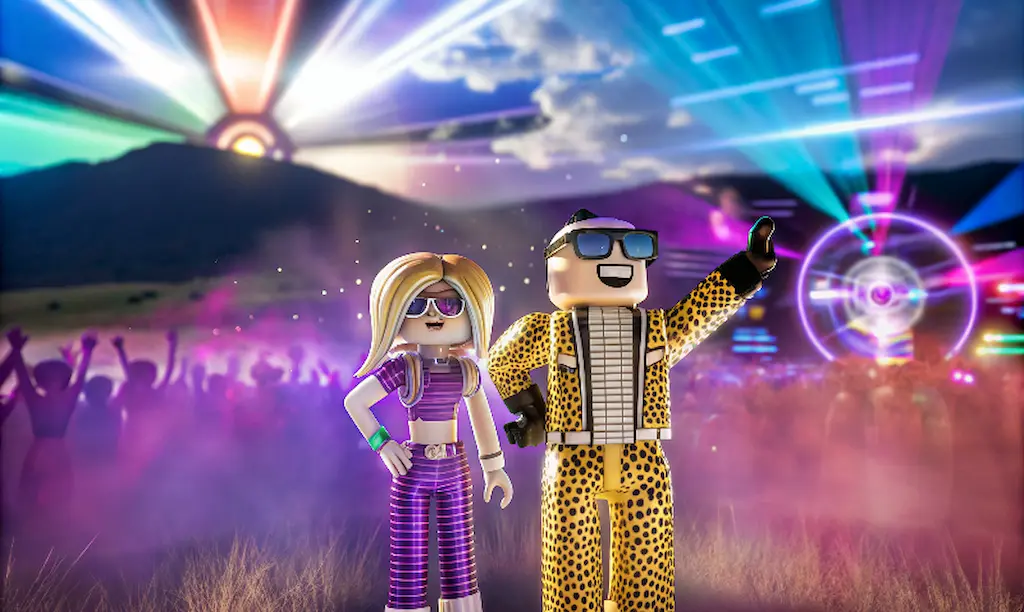
Roblox allows you to earn Robux from your designs. To do this, you need to publish the item, set a price, and have a Premium subscription. The platform takes a 30% commission, and the rest goes to you. Creating good outfits in Roblox is a viable path, as according to Roblox itself, the Creator Economy on the platform has paid out over $700 million to developers and designers – this is real money for virtual outfits. You can find more details about monetization on the official Roblox Developer Hub page. And if you want to dive deeper into the psychology of digital self-identification through avatars, check out the Digital Expression Fashion & Beauty Trends Report: according to it, every fifth Roblox user updates their avatar’s look at least once a week.
VSQUAD Studio has been working with game art since 2015 – we create 2D and 3D characters, prop sets, environments, and VFX for indie teams and AAA projects. Our portfolio includes Wayfinder, Darksiders Genesis, SMITE, and Ruined King. In 10 years, we have released over 50 successful projects and understand how the visual language of games is built at all levels – from high-budget console art to stylized skins for user platforms. If your team needs help with visual content, we are ready to connect within 48 hours.
FAQ
The creation process itself is free. Image editors (Photopea, GIMP) are free. However, uploading a shirt costs 10 Robux. A T-shirt, on the other hand, can be uploaded without payment.
It refers to any tool used to work with a shirt template – from Photopea to Canva. A beginner is better off starting with Photopea or Canva: they have built-in tools and templates that simplify the start.
The Roblox avatar styles are determined by the body format (R6, R15, Rthro), scale, and clothing style. R15 with maximum parameters is the base for Slender and 2.0 styles. Rthro is a more proportional body popular in realistic looks.
Based on activity on TikTok and Pinterest – Y2K, streetwear, and aesthetics are leading. However, different games within Roblox form their own trends: what is relevant in Dress to Impress may differ from what is popular in Adopt Me.
Yes, through the Roblox marketplace. You need a Premium subscription to sell. The platform takes a 30% commission. Popular designers earn thousands of Robux per month.
Start simple: choose 2–3 base colors, find pastel clothing in the catalog, and add minimal accessories. The aesthetic in Roblox is built not on the number of details, but on their harmony. For inspiration, check Pinterest and the “Catalog Avatar Creator” section in the game itself.
Your Avatar Is Your Voice
Finding your Roblox outfit styles is not about money or Robux. It is about how you look in a space where appearance speaks before you even have a chance to open your mouth. Understanding how to make clothing in Roblox, learning to create it yourself, or getting inspired by others’ looks is all part of a large culture that continues to grow.
Do you have a project that needs a professional eye on the visual component? Contact us —> 📩 head@vsquad.art or schedule a call.
Get in touch
Got a project in mind? We usually reply within a day.