


One of the biggest mistakes during pre-production is estimating UI as a collection of screens.
In reality, UI should be estimated as a collection of gameplay systems.
A single gameplay mechanic often affects multiple interfaces, while one screen may contain elements shared across many systems. Understanding these relationships leads to much more accurate production planning.
Why UI Is Difficult to Estimate
Screens are only the visible part of the UI.
Behind each screen, there are buttons, transitions, different states, and gameplay logic. Even a simple-looking menu may require a lot of work.
Most gameplay systems affect multiple interfaces.
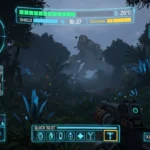
For example, a new weapon may appear in the HUD, inventory, shop, and upgrade menu. All these elements must work and look consistent.

New mechanics usually require UI updates across the project.
Adding a mechanic often means creating new icons, tooltips, notifications, and controls. Existing screens may also need to be updated.
A screen count alone rarely reflects the real production effort.
Some screens are simple, while others contain many interactive elements and states. Counting both as “one screen” can lead to an inaccurate estimate.

Start with Gameplay Systems
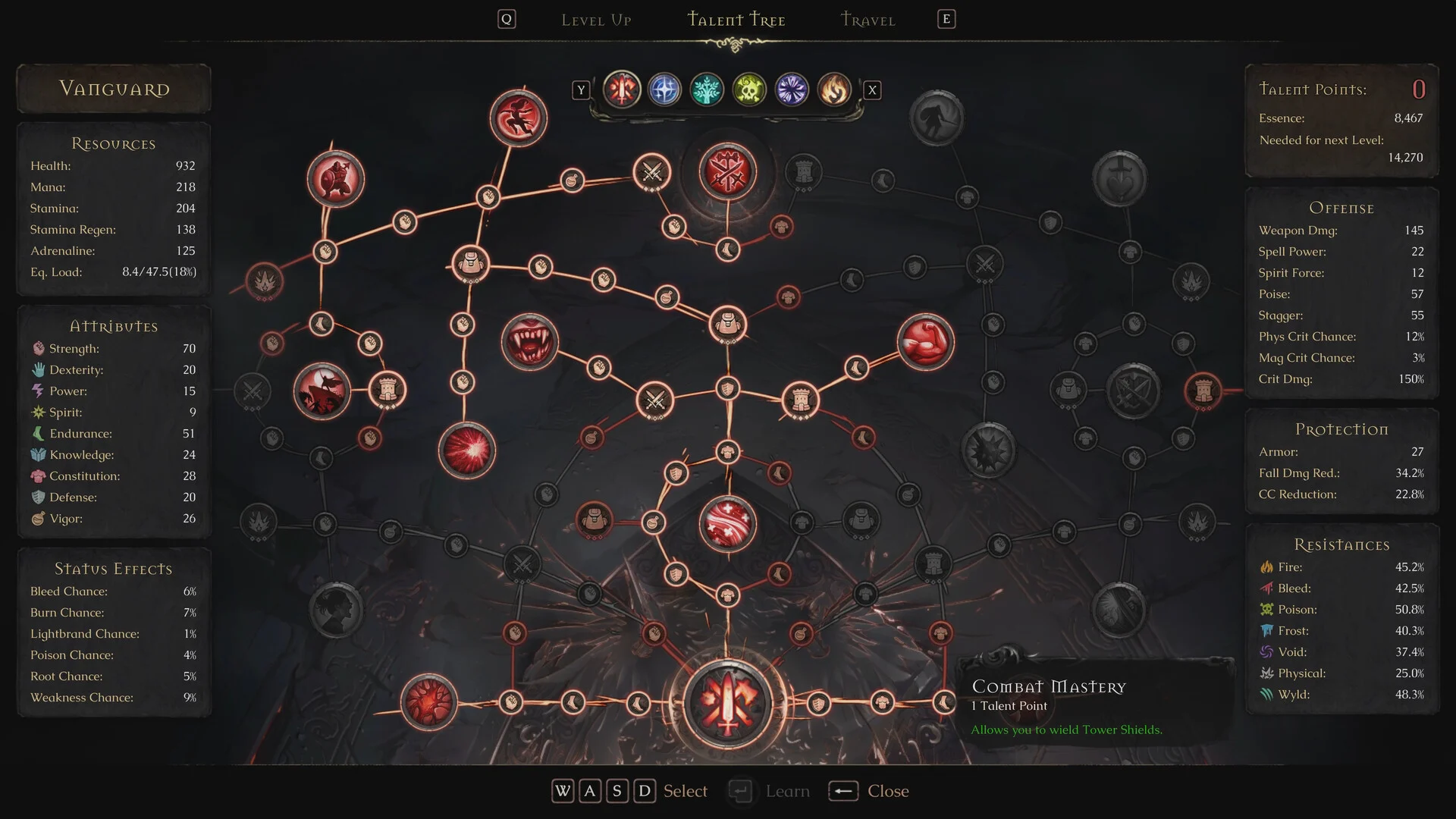
Before counting screens, list the core gameplay systems included in the project. Each system creates its own UI requirements and may share elements with other systems.
Examples:
Combat — health, stamina, abilities, cooldowns, damage indicators, and enemy information.
Character Progression — levels, experience, skills, stats, and upgrades.
Inventory — item slots, categories, equipment, item details, and tooltips.
Merchant — item lists, prices, currency, buying, selling, and confirmation states.
Village — buildings, available activities, upgrades, and navigation.
Unit Management — unit selection, roles, stats, equipment, and squad composition.
Dialogue — character names, dialogue text, response options, and quest information.
Tutorial — prompts, controls, objectives, and step-by-step instructions.
Settings — graphics, audio, controls, accessibility, and platform-specific options.
Once these systems are mapped, it becomes easier to identify the required screens, shared components, and dependencies between different parts of the UI.
Typical UI Scope for an Action Roguelite
An action roguelite often combines combat, progression, unit management, and village development. This means the UI scope may include both real-time gameplay interfaces and separate management screens.
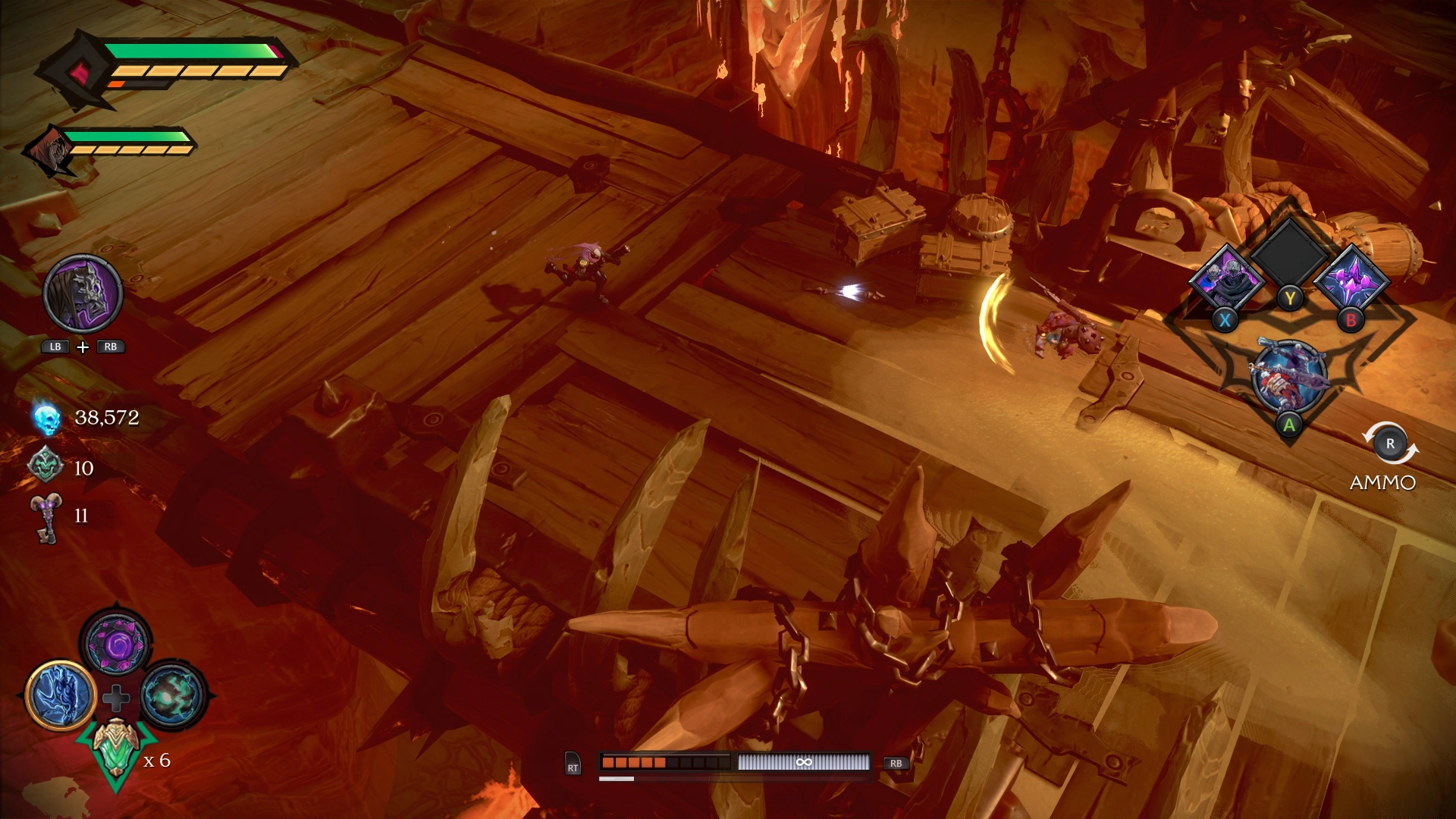
Examples of common interfaces:
Main Menu, Gameplay HUD, Ability Selection, Weapon Selection, Merchant, Recruit Units, Population System, Squad Management, Command Interface, Boss HUD, Village, Building Screens, Weapon Forge, Barracks, Market, Healer, Dialogue, Tutorial, Victory Screen, Game Over, Loading Screen.
This list is only a starting point. The final scope depends on the game’s mechanics, progression structure, platforms, and the features included in the Vertical Slice.
Questions Before Estimation
Before estimating the UI, clarify what the game actually needs for the Vertical Slice.
- What gameplay systems are included? This defines the overall UI scope.
- Which screens are needed for the first playable build? Not every planned screen has to be included right away.
- Is there an inventory? If yes, define its basic structure and item interactions.
- How many weapons are planned? Each weapon may need an icon, stats, description, and selection state.
- How many abilities can be equipped? This affects both the HUD and ability selection screen.
- How many unit types are there? Different units may require separate cards, stats, and icons.
- Is there a minimap? Clarify what information it needs to display.
- Are there building upgrades? Upgrades require costs, levels, requirements, and locked states.
- Will the UI support gamepad from the start? This affects navigation, focus states, and button prompts.
- Which platforms are planned? PC, console, and mobile have different UI requirements.
- Who will integrate the UI into the engine? Design and engine implementation are separate parts of the estimate.
Think in Systems, Not Screens
A Merchant is not just one screen. It is a connected system that may require:
- Inventory UI
- Item Cards
- Tooltips
- Currency
- Confirmation Dialogs
- Buying
- Selling
- Error States

These elements may also appear in other systems, such as inventory, crafting, or character progression. Their logic, states, and dependencies should be included in the estimate.
The same applies to almost every gameplay system. Estimating systems instead of individual screens gives a much clearer picture of the actual production scope.

Conclusion
A reliable UI estimate starts with understanding the gameplay systems and how they connect.
Once those systems are mapped, it becomes easier to define the required screens, reusable components, UI states, dependencies, and integration scope. This leads to more realistic production timelines and fewer unexpected changes during development.
Get in touch
Got a project in mind? We usually reply within a day.