



For indie teams, the cost of a character is not only the model.
The real cost often appears later, when the team needs character rigging, facial animation, blendshapes, clean deformation, animation controls, and engine integration.
This is why the choice between MetaHuman and Character Creator should happen before full character production starts.
It is not just a software choice.
It is a production and budget decision.
The Expensive Mistake
A common mistake is choosing the character pipeline too late.
The team may first approve the design, model the character, finish textures, and only then start asking:
- How will this character be rigged?
- Do we need facial animation?
- Do we need blendshapes?
- Who will animate it?
- Will it work correctly in Unreal?
- Can we move it between tools?
- Do we need a technical animator?
At that point, every problem becomes more expensive.
The team may need to adjust the model, rebuild parts of the face, change topology, fix deformation issues, or pay for additional rigging and technical setup.
For an indie team, this can become a serious budget problem.
MetaHuman Unreal Engine: When It Makes Sense
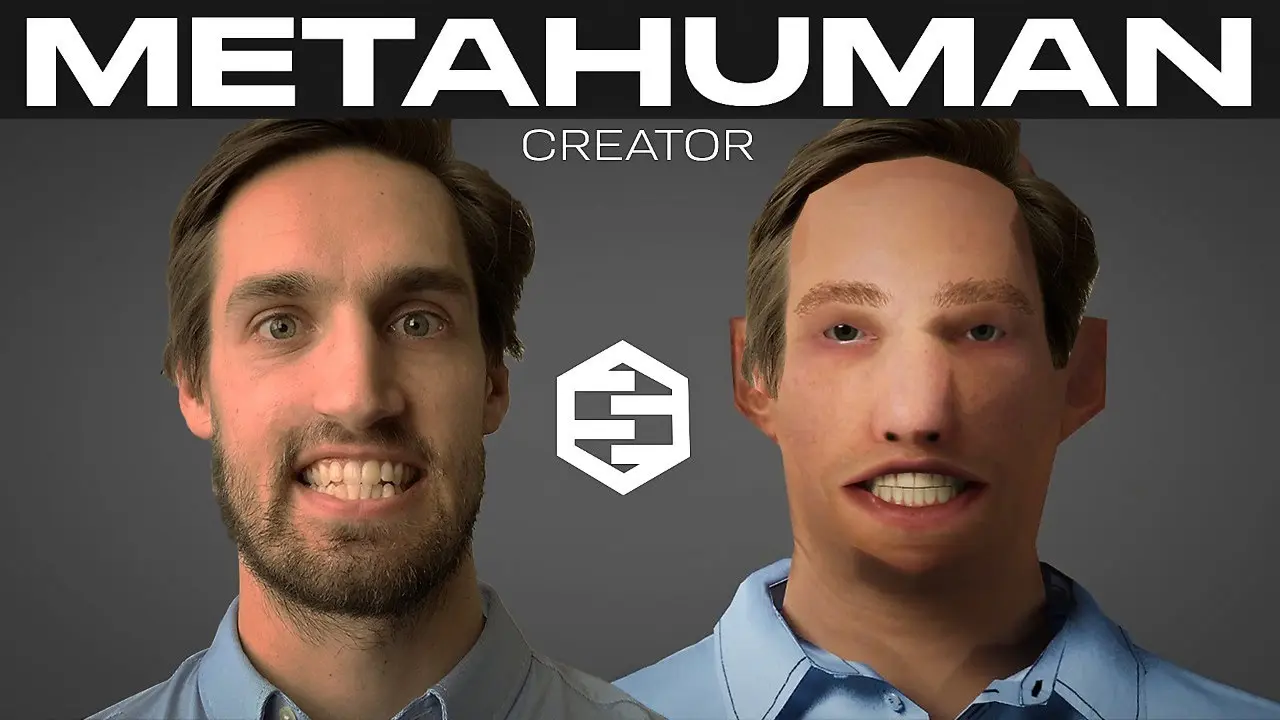
MetaHuman can be a strong choice when the project needs realistic game characters or cinematic digital humans inside Unreal Engine.
It works especially well when the full pipeline stays inside Unreal:
- character creation
- animation setup
- Control Rig
- Unreal rendering
- Unreal-based cinematic work
For realistic digital humans, MetaHuman can give a strong visual result.
But the production path is not always cheap or simple.
If the project needs specific animation controls, custom rig behavior, pipeline changes, or movement between different tools, MetaHuman may require additional technical setup.
That usually means the team needs someone who understands Unreal, Control Rig, technical animation, and character rigging.
So the cost is not only the tool.
The cost is the people and time needed to make the tool work correctly inside the project.

Character Creator Unreal Engine: A Practical Production Choice
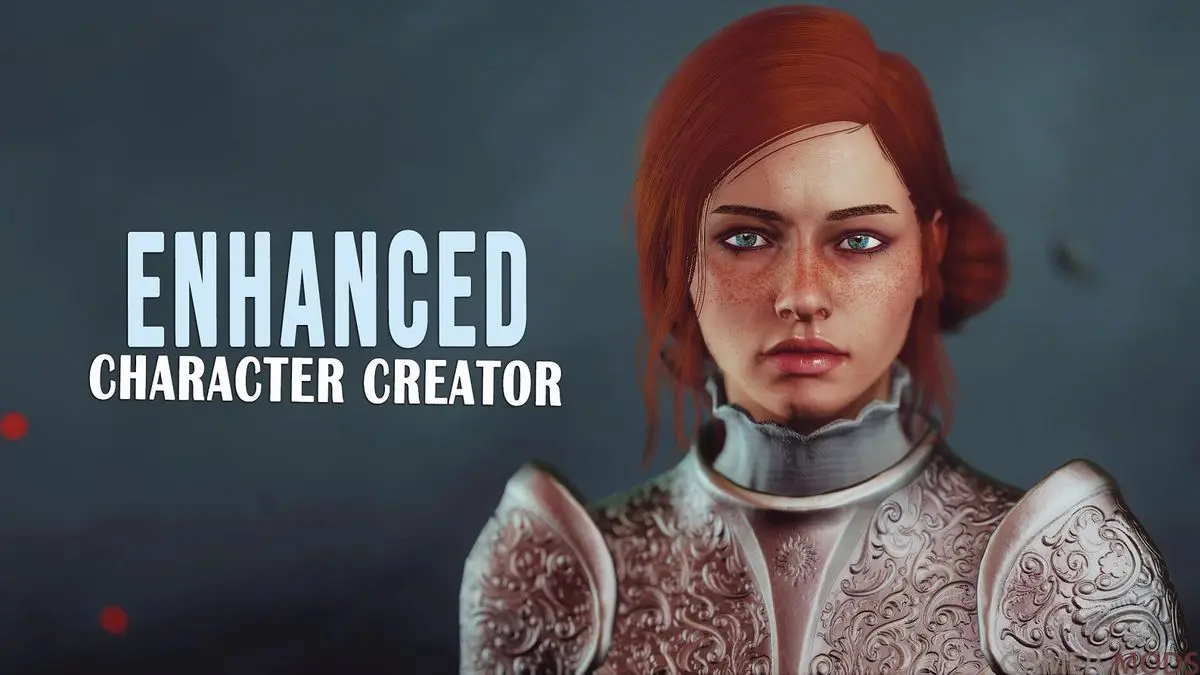
Character Creator can be a more practical option when the project needs a production-friendly human or stylized human character.
It can give the team a faster starting point with:
- ready character base
- facial blendshape support
- animation-friendly structure
- faster rigging path
- easier export to DCC tools
- easier movement between tools and engines
- lower technical setup risk
This can be important for indie teams that do not have a large technical animation department.
Character Creator can work especially well for stylized characters that still follow readable human anatomy.
For example, it can be a good fit for:
- Fortnite-like characters
- semi-realistic stylized characters
- stylized human heroes
- controlled stylized NPCs
- multiplayer character variations
- human-based character classes
In these cases, Character Creator can reduce the amount of custom rigging, facial setup, and technical testing needed before animation starts.
Stylized Game Characters: Where Character Creator May Not Fit
Character Creator is not the right answer for every stylized character.
It can work very well for stylization, but it has limits when the design moves too far away from a human base.
It may be less suitable for:
- anime-style characters
- chibi characters
- super-deformed proportions
- very exaggerated facial shapes
- cartoon anatomy far from human structure
- unusual head or body shapes
- facial designs that do not match the tool’s default logic
In these cases, forcing the character into Character Creator may create more problems than it solves.
The team may still need custom facial shapes, custom blendshapes, model adjustments, or a fully custom rig.
For extreme stylization, a custom character pipeline may be cheaper and cleaner in the long run.
Game Development Pipeline: The Real Budget Question
The real question is not:
“Which tool looks better?”
The better question is:
“Which tool will cost less across the full production pipeline?”
That includes:
- modeling
- topology
- rigging
- skinning
- blendshapes
- facial animation
- body animation
- engine integration
- technical support
- future character variations
A tool can look cheaper at the start and become expensive later if it requires too much technical work.
Another tool can look less impressive at first but save money because the rigging and animation path is simpler.
For indie teams, this difference matters.
Game Art Pipeline: Choosing the Right Character Production Path
Before choosing MetaHuman, Character Creator, or a custom rigging path, we look at:
- character style
- realism level
- stylization level
- body proportions
- face structure
- facial animation needs
- blendshape requirements
- animation complexity
- Unreal or non-Unreal pipeline
- export needs
- available budget
- available technical specialists
This helps define the safest and most cost-effective character production path.
Sometimes MetaHuman is the right answer.
Sometimes Character Creator is better.
Sometimes neither is a good fit, and custom rigging should be planned from the start.

The Result
MetaHuman can be the right choice for realistic Unreal-based humans.
Character Creator can be the better choice for production-friendly stylized human characters, especially when the team needs faster setup and more flexibility between tools.
But the tool should follow the character design, animation needs, budget, and production pipeline.
Not the other way around.
For indie teams, the right choice can save money not because the software is magic, but because it helps avoid unnecessary rigging, blendshape, animation, and technical integration problems later.
Get in touch
Got a project in mind? We usually reply within a day.


